How do I delay posting an Announcement until a specific date?
If you want to create announcements to post at a certain date and time, follow these steps.
Open Announcements
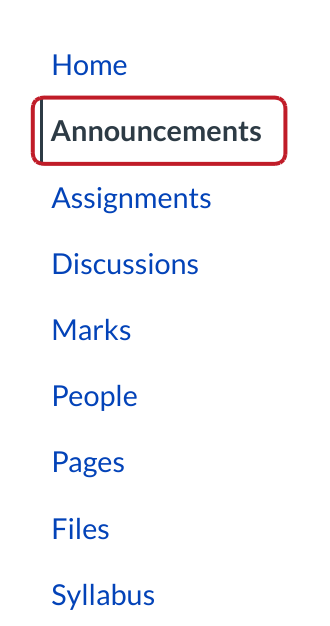
Click the Announcements link.

Create Announcement
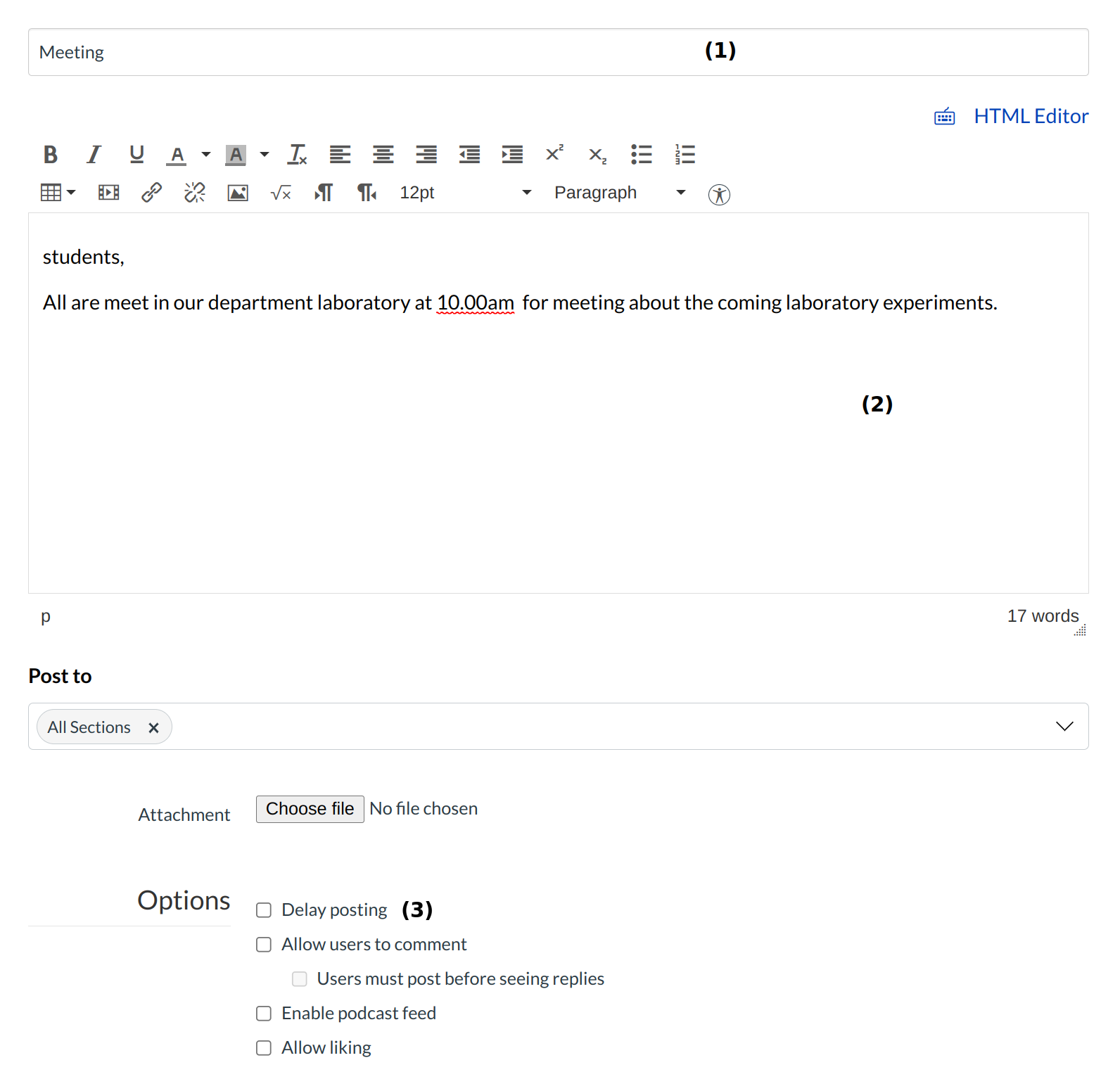
Type a title for the Announcement in the title field [1] and add content in the Rich Content Editor [2]. Click the Delay posting checkbox [3].
View More Options
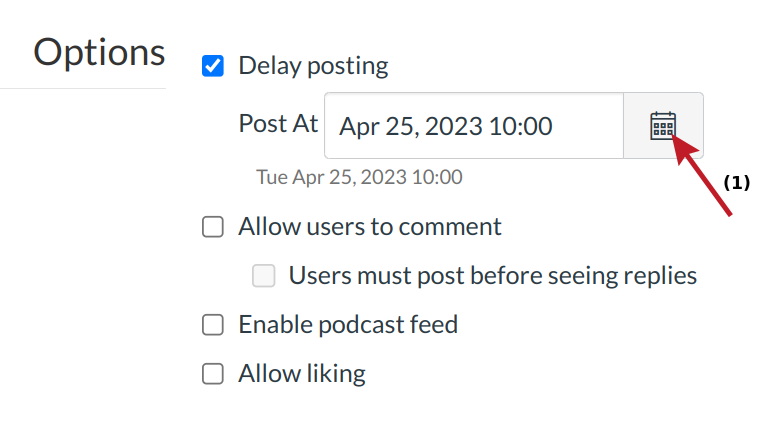
Select the Calendar icon and set the date and time using the calendar tool [1]. Or manually enter a date and time.
Add new announcements

Click the Save button to post the announcement.
View Announcement
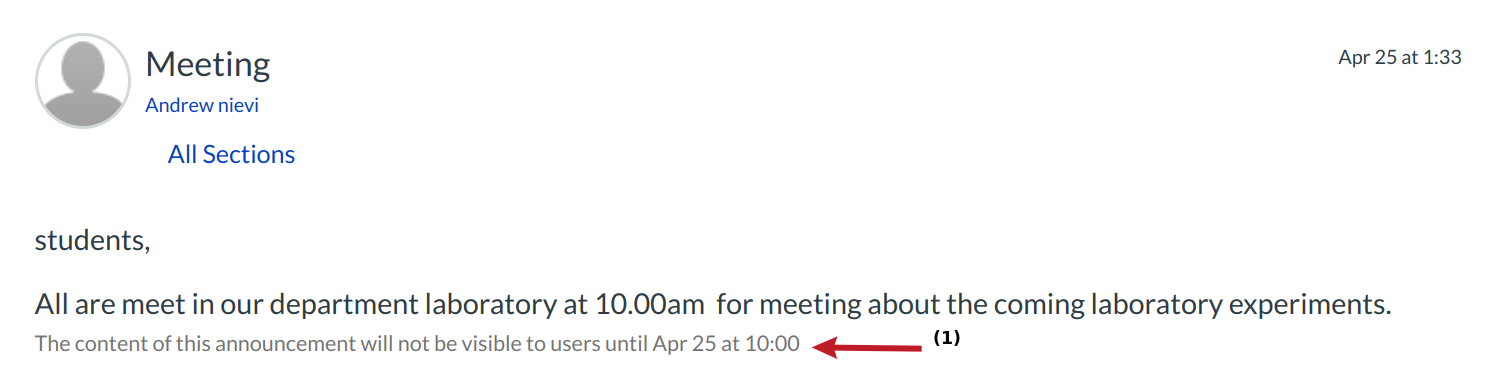
Once you add the Announcement, it will show up on the Announcements page. However, since you delayed the posting, it will have the reminder that "This topic will not be visible to users until DATE at TIME." [1]